Project Management Dashboard
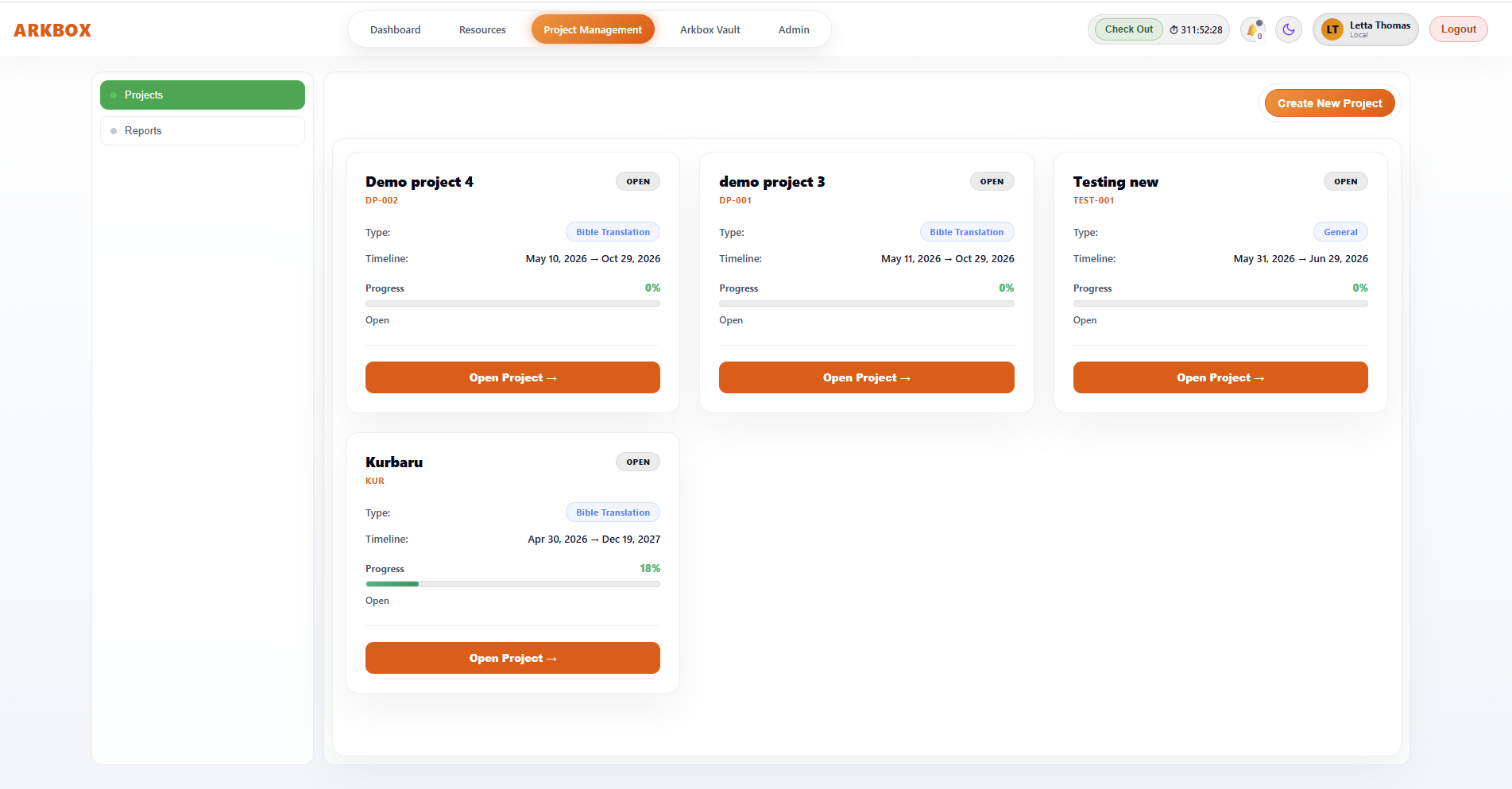
Project Management Dashboard
The Project Management Dashboard is the central workspace for managing and monitoring projects, organising workflows, assigning responsibilities, tracking translation progress, managing languages, and monitoring project stages through a single Arkbox. It provides a structured environment where users can create projects, organise workflows, assign responsibilities, track translation progress, manage languages, and monitor project stages from one unified interface.
For Bible-type projects, the dashboard is specially designed to support:
- Scripture translation workflows
- Multi-language management
- Verse and book tracking
- Team coordination
- Stage-based progress monitoring
This page acts as the operational hub for everyone involved in the project, including project managers, team leaders, translators, reviewers, and administrators.
Purpose of the Project Management Dashboard
The dashboard is designed to help users:
- Monitor active projects
- Track workflow progress
- Manage translation languages
- Coordinate teams
- Access project sections quickly
- Maintain oversight of schedules and stages
Instead of using separate systems for project tracking and workflow management, Arkbox centralises everything into one project workspace.
Navigation Area
Navigation Area
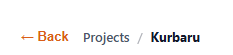
At the top-left, breadcrumb navigation shows the user’s current location inside Arkbox.
Example:
Projects / [Project Name]
This helps users:
- Understand which project is assigned
- Navigate back to the main Projects section easily
The Back button allows a quick return to the project list without closing the workspace.
Project Header Section
Project Header Section
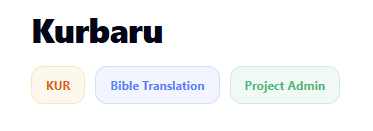
The header area identifies the active project.
It contains:
- Project Name
- Project Code
- Project Type
- User Role
This section gives immediate context about:
- What project is being viewed
- The category of the project
- The logged-in user’s permissions
Project Code
A short internal identifier used for:
- Reporting
- Search
- Internal tracking
- Documentation
This simplifies project organisation when multiple projects exist.
Project Type
Project types categorise projects
| Project Type | Scope |
|---|---|
| Bible Translation | Bible |
The Bible Translation tag identifies the project as a specialised scripture translation workflow.
This enables Bible-specific functionality such as:
- Verse tracking
- Book progress monitoring
- Translation stages
- Team leader assignments
- Language workflow management
The project type controls how Arkbox structures the workflow.
User Role Indicator
Displays the logged-in user’s permission level.
Examples:
- Project Admin
- Project Management Officer
- Project Manager
- Team Leader
- Team Member
This determines:
- Editing rights
- Workflow access
- Administrative permissions
Status Management
The Status dropdown controls the operational state of the project.
Possible statuses include:
- Open
- In Progress
- Completed
This helps:
- Coordinate teams
- Control project visibility
- Manage workflow activity
- Track reporting status
Delete Project
The Delete button permanently removes the project from Arkbox.
Restricted to:
- Project Management Admin
- Project Management Officer
- System Administrators
Once a project is deleted, it cannot be brought back from this action.
Use this only when the project should no longer exist in the system.