ArkBox User Guide
ArkBox is a unified enterprise workspace for system visibility, project coordination, secure resource access, HR workflows, RemoteOps, and administrative control. It brings daily operational tools into one interface so users can monitor work, manage resources, and make decisions without switching between separate systems.
Who This Guide Is For
This guide is for ArkBox users, project teams, managers, operations teams, HR administrators, and system administrators who need to understand the application screens and complete common workflows.
The guide focuses on how to use ArkBox. For deployment, backend setup, or infrastructure operations, use the project README and technical documentation.
Main Application Areas
| Area | What You Do There |
|---|---|
| Dashboard | Start from the central workspace, check in or out, review tasks, and move between modules. |
| Resources | Manage downloaded resources in My Library and discover content in Marketplace. |
| Project Management | Create projects, assign teams, plan stages, track progress, and review reports. |
| ArkBox Vault | Browse and manage controlled shared folders exposed from connected agents. |
| Admin | Configure users, access control, RemoteOps, system settings, HR, and project governance. |
First Steps
- Open ArkBox in your browser.
- Sign in with your assigned local, LDAP, or directory account.
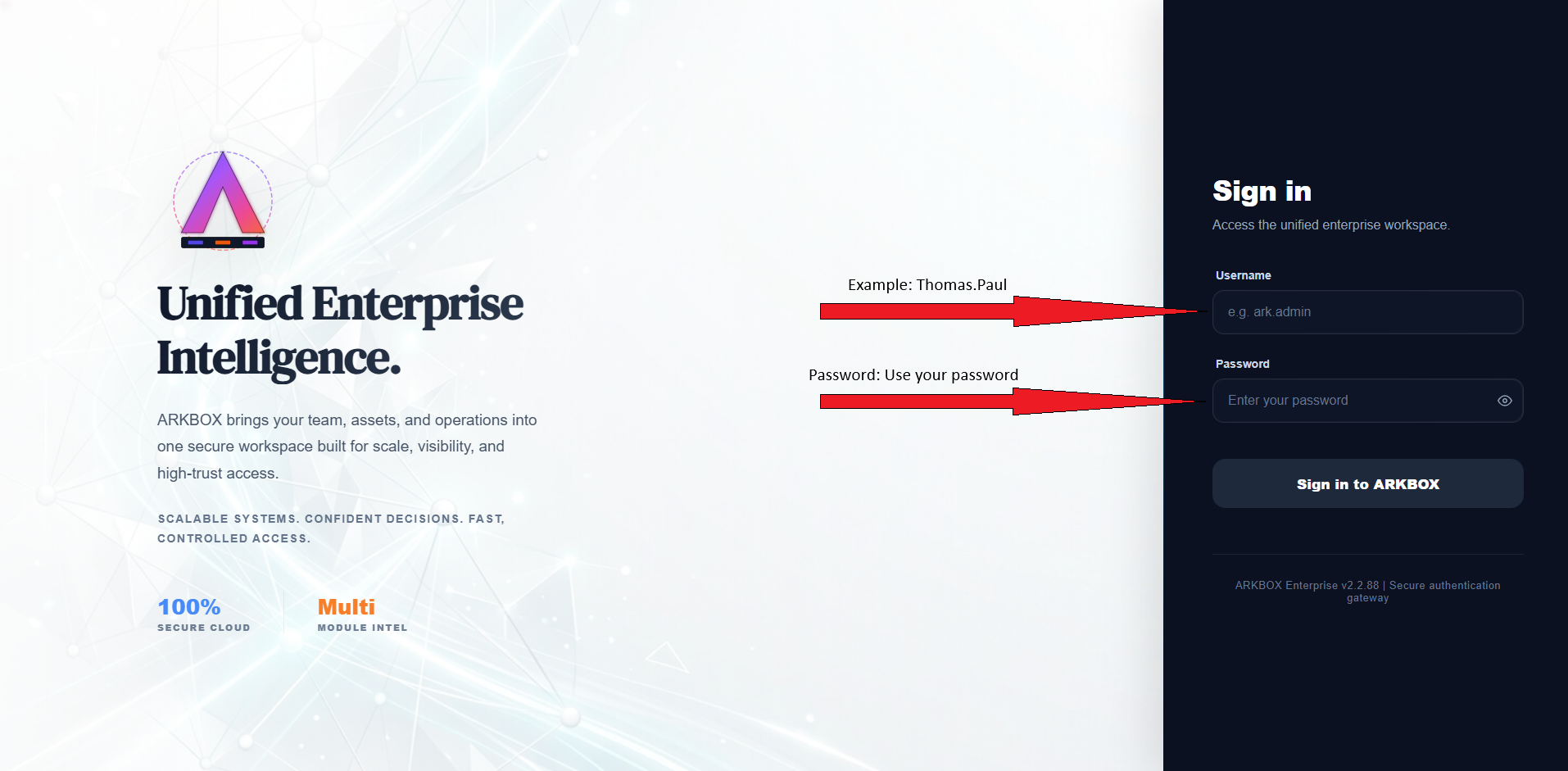
Login Page
- Use the top navigation bar to open the module you need.
- Use each module's sidebar, tables, filters, and action buttons to complete work.
- Log out when you finish, especially on a shared device.
Navigation Model
ArkBox uses a consistent layout across modules:

Navigation Model
- The top navigation moves between major application areas.
- Modules such as Admin and Project Management use a left sidebar for sub-sections.
- Tables provide search, filter, refresh, export, edit, and delete actions where available.
- Detail screens open from table rows, cards, links, or action buttons.
- Permissions control visibility, so different users may see different modules and actions.
Recommended Reading Order
Start with Getting Started, then read the pages for the modules you use most often. Administrators should also read the Admin section before changing roles, groups, RemoteOps settings, HR rules, or project governance settings.